


Ozone WDB Video Doorbell
The Ozone OZ Life WDB-01 Smart Video Doorbell brings modern home security to your front door with advanced motion detection and seamless smart home integration. This premium WiFi-enabled doorbell features HD video recording, night vision capability, and real-time motion alerts sent directly to your smartphone. Fully compatible with Amazon Alexa and Google Home ecosystems, it integrates effortlessly into your smart home setup for voice-controlled monitoring and access.
 Two-way Communication
 Android/iOS System Mobile Devices
 SD Card 128 GB
Extended Services
 No Cost EMI
 Free Delivery
 1 Year Warranty
 Hassle-Free Returnable

Best Offers
 Save 4%
Extra 4% Off on first purchase




Description

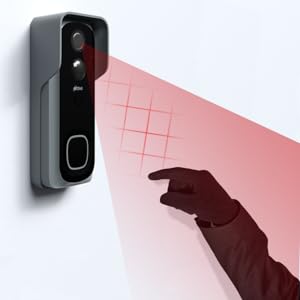
Motion Detection
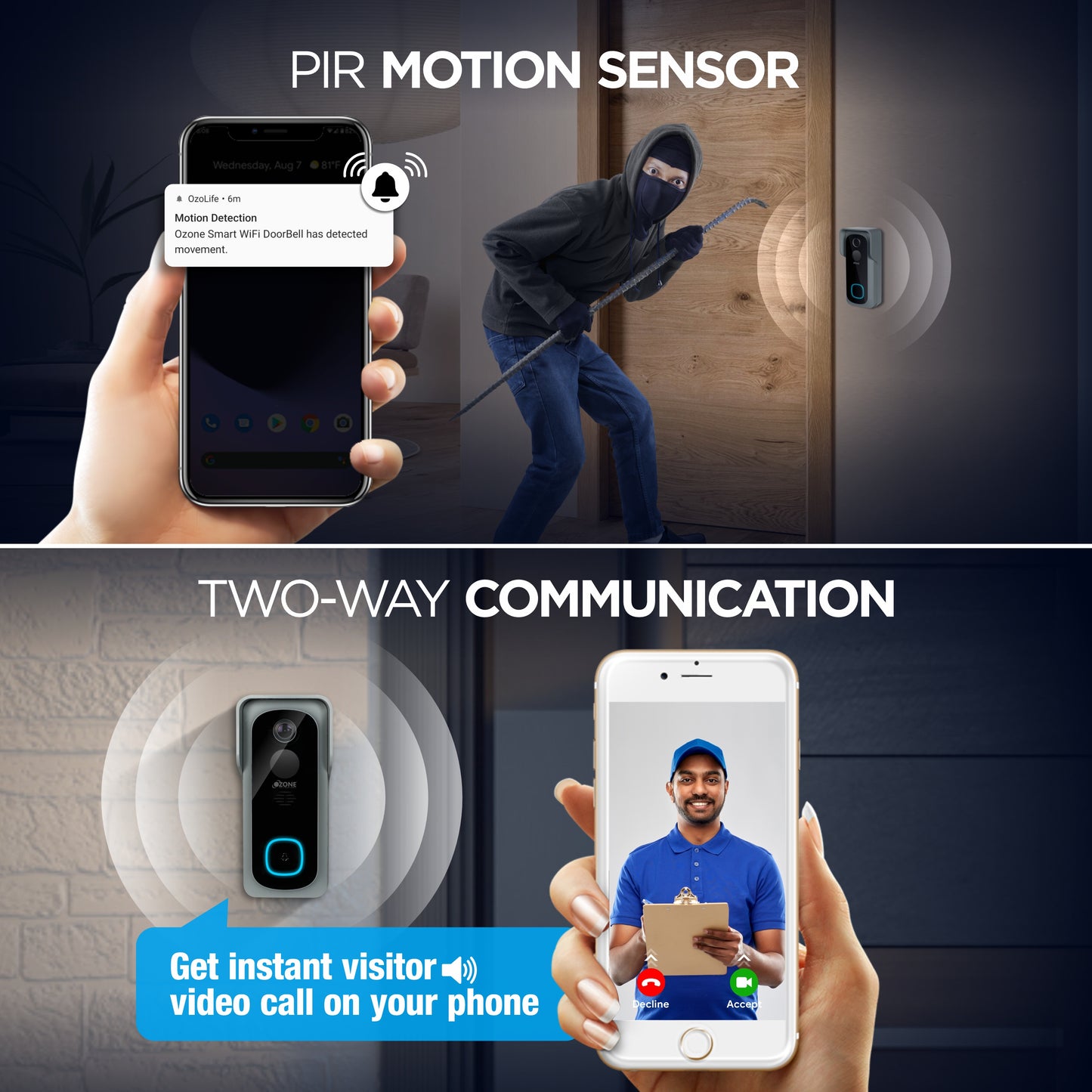
The smart outdoor camera has motion detection sensors that immediately become active if there's any movement, ensuring maximum security
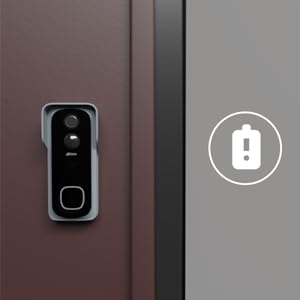
Low Battery Indicator
When the battery level is low an indication flashes on the screen prompting the user to charge it immediately
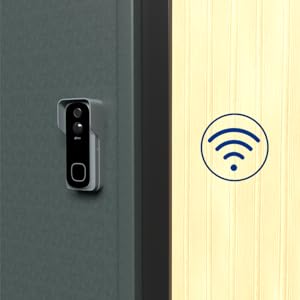
Wire-Free
The smart home security system is completely wireless, making it the ideal and most practical solution for your requirements
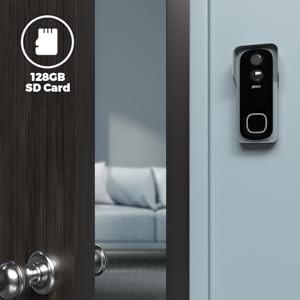
Storage
The outdoor phone camera is designed to support micro SD cards with a maximum storage capacity of 128GB
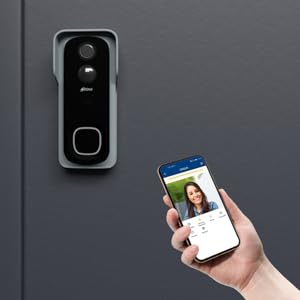
Remote Access
Through the Ozolife App on their smartphone, users may remotely unlock the door and have real-time monitoring capabilities
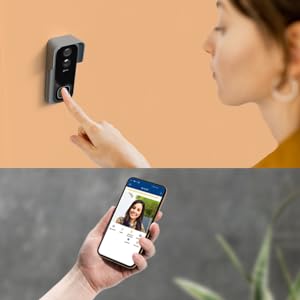
2 Way Talk
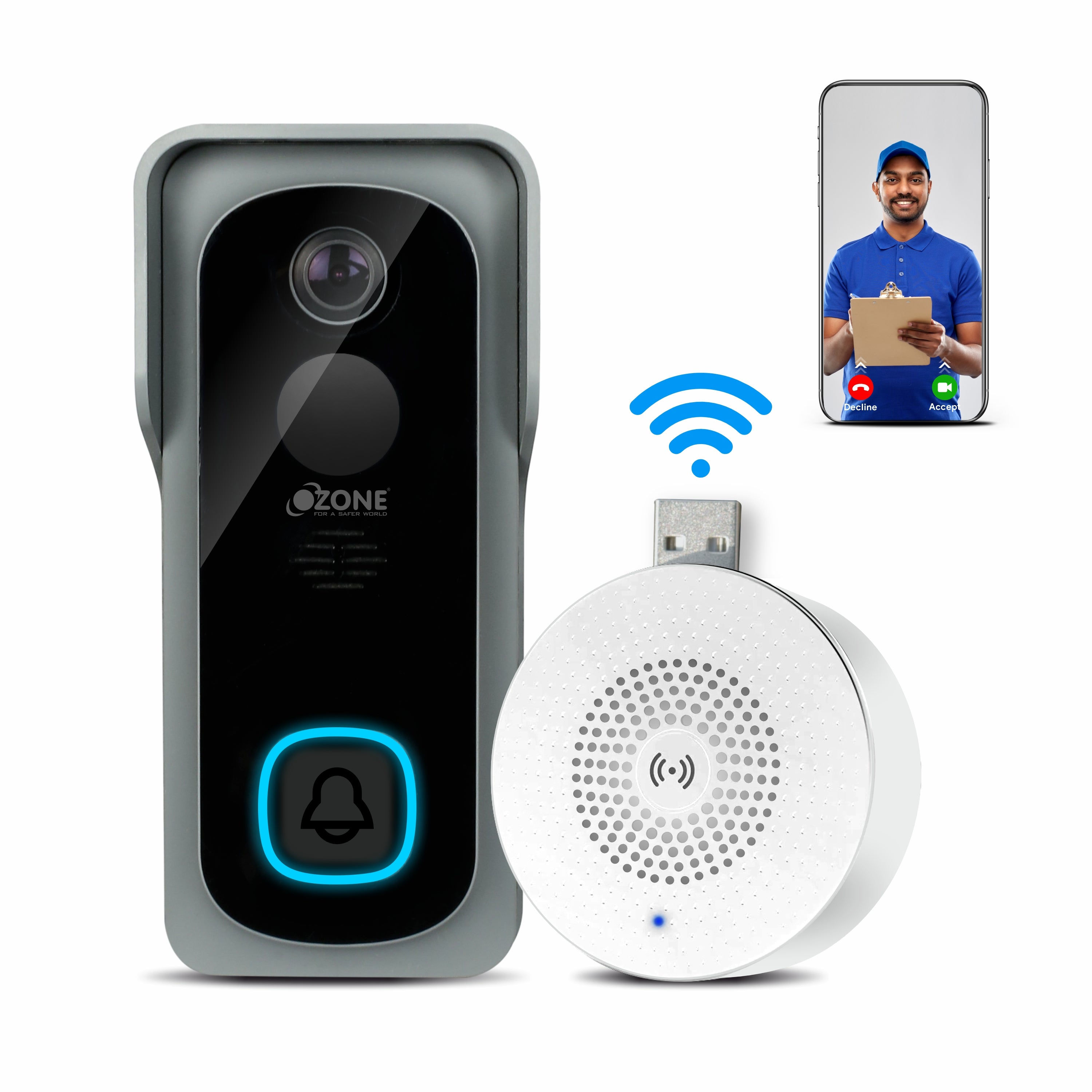
The outdoor phone camera is connected to the indoor monitor and Ozolife App which allows high quality two-way communication between homeowners and visitors

The Ozone Smart Video Door Bell is a state-of-the-art device to maximise security and ease. Designed to enhance safety, the device comes with 24/7 video and motion detection along with remote access using a phone app, making it the all-in-one solution for your protection and efficiency.
The intelligent motion sensor triggers instant notifications, reducing false alarms while keeping you informed of genuine visitors and activity. With encrypted cloud storage, you can review footage anytime, anywhere with peace of mind. Perfect for homeowners and apartment dwellers seeking a reliable, connected video doorbell solution. Weatherproof design ensures durability in all conditions. Transform your entryway into an intelligent security checkpoint with Ozone's trusted smart doorbell technology. To enhance your home security ecosystem.
To enhance your home security ecosystem, Browse all smart video doorbells and discover connected monitoring solutions for every entry point. For complete access control and keyless convenience, Add smart locks for door to create a fully integrated smart home security setup. Need professional assistance? Installation available through Ozone's expert service team to ensure your smart security devices are installed and configured correctly for optimal performance.
Product Guide: Explore and Learn

Unlock the Full Potential of Our Product with Expert Guidance: Explore Installation Guides, Troubleshooting Tips, and Expert Support!
Explore NowCustomer Feedback
Frequently Asked Questions
The device cannot be previewed properly?
Check whether the device is connected to the network. Place the device close to the router, and if it is still not working, reset the device and add it again.
Why is it still in the list of devices after reseting?
The reset button only resets the network configuration of the device, but cannot change the configuration on the App. To remove the device, it must be deleted from the App manually.
How to move the camera network to another router?
First remove and reset the device on the App and then configure the device again using the App.
Why doesn't the device identify the SD card?
It is recommended to plug in the SD card after a power cut. Confirm whether the SD card is normally available and is in FAT32 format. The TF card can’t be identified when the internet connection is fluctuating.
Why I can’t get the notifications on my mobile App?
Please confirm that the App has been running on the phone, and the relevant reminder function has been opened; message notification and authority confirmation in the mobile phone system have been opened.
 Free Shipping
 COD Available
 Secured Payment Gateway
 No Cost EMI
 Customer Support
 As Per Return Policy